Competitor guide
Everything you need to go from signing up to running at your first show. The pictures are from a phone, but it works the same on a computer.
Create your account
- 1
Register
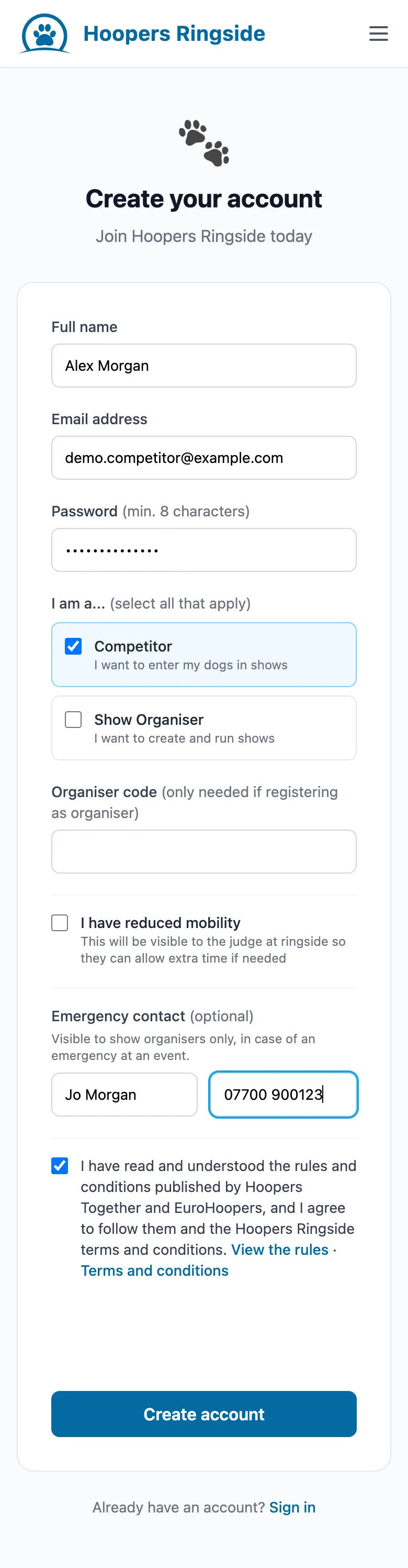
Go to Register. Fill in your name, email address and a password, and tick Competitor.
Tick reduced mobility if you'd like judges to know they may need to allow extra time. An emergency contact is optional and only show organisers can see it.
Tick the box to agree to the rules, then press Create account.
- 2
Confirm your email address
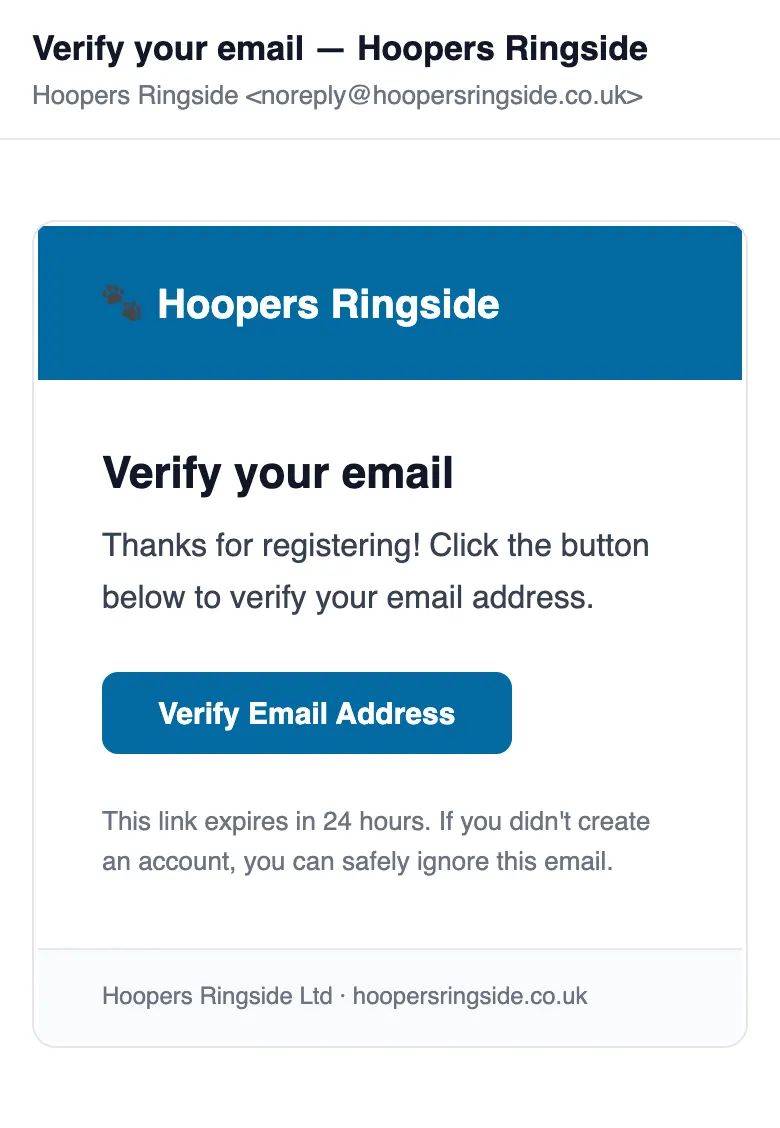
We'll email you a link. Click Verify Email Address in that email. You need to do this before you can add dogs or enter shows.
Can't find it? Check your junk or spam folder, and mark it as "not junk" so our emails about entries and results reach your inbox. The link works for 24 hours; you can send a new one from the banner at the top of the site.
- 3
Your account
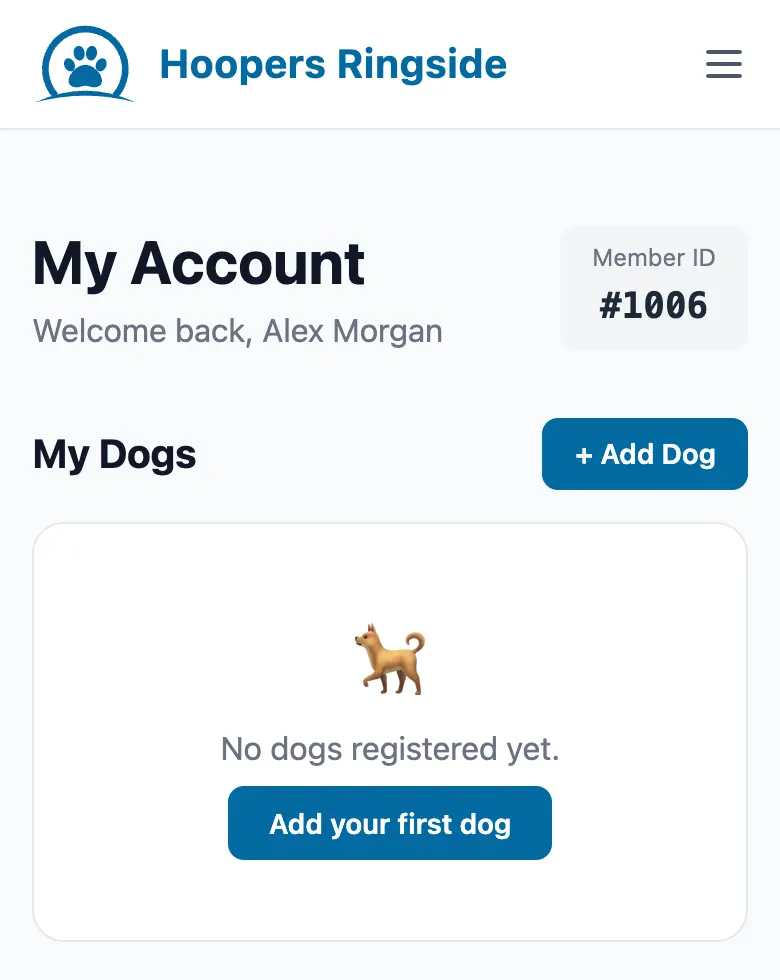
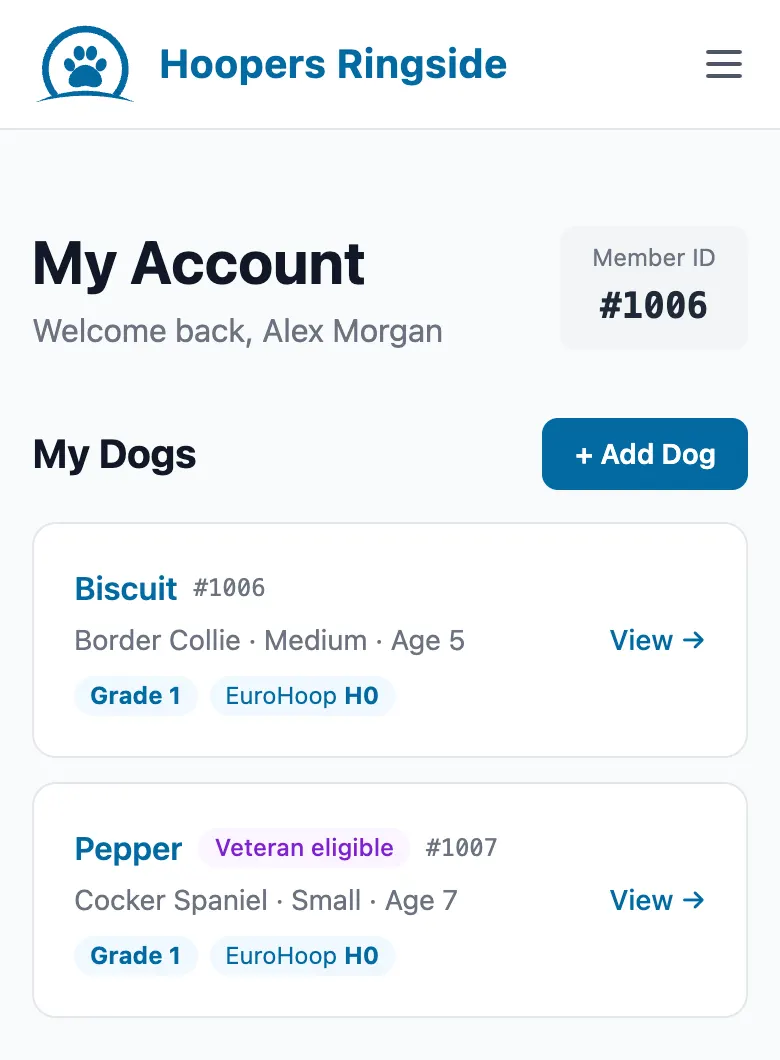
After signing up you land on My Account. Your member number is shown at the top right.
Add your dogs
- 1
Add a dog
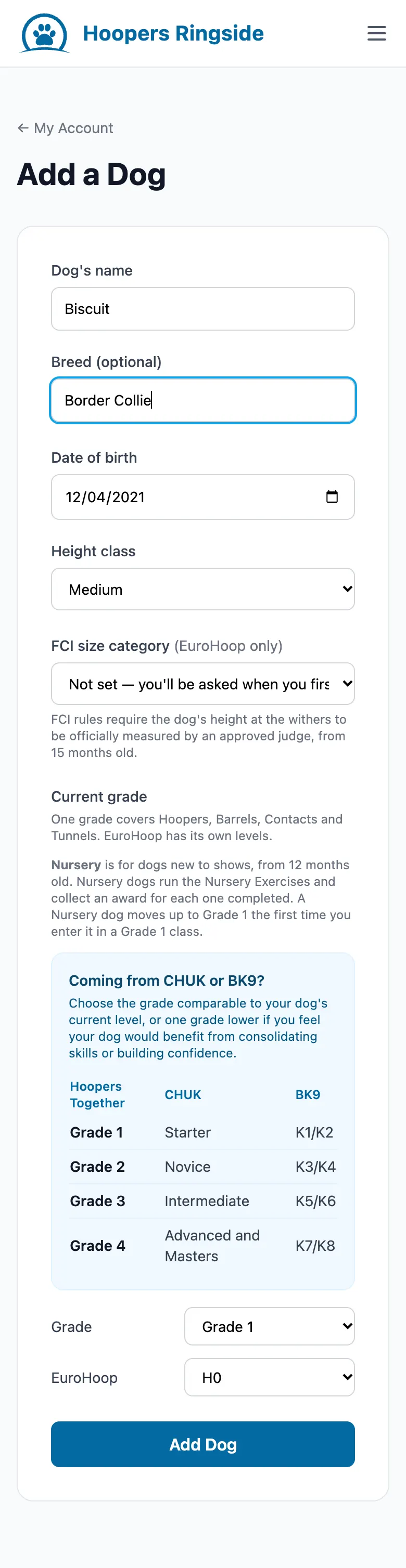
Press + Add Dog. Enter the dog's name, date of birth and height class, and choose its current grade.
New to shows? Choose Nursery (from 12 months). Coming from another organisation? The table on the page shows which grade to pick.
Dogs must be at least 12 months old on the day of the show for Nursery, and 15 months for every other class. A younger dog's classes aren't offered when you enter.
Joining as a veteran? Tick This dog is joining as a veteran at the bottom of the form. Veterans is open to dogs from 7 years old, and to dogs with disabilities at any age. Veteran dogs run Grade 1 courses for clear rounds only and earn Veterans award rosettes instead of progression points.
Moving to Veterans is permanent. For a dog you've already added, open its page from My Account and press Move to Veteran Class.
- 2
Add all your dogs first
Add every dog you want to compete with. They'll show as Not registered until you've paid for them, which you can do together with your membership in one payment.
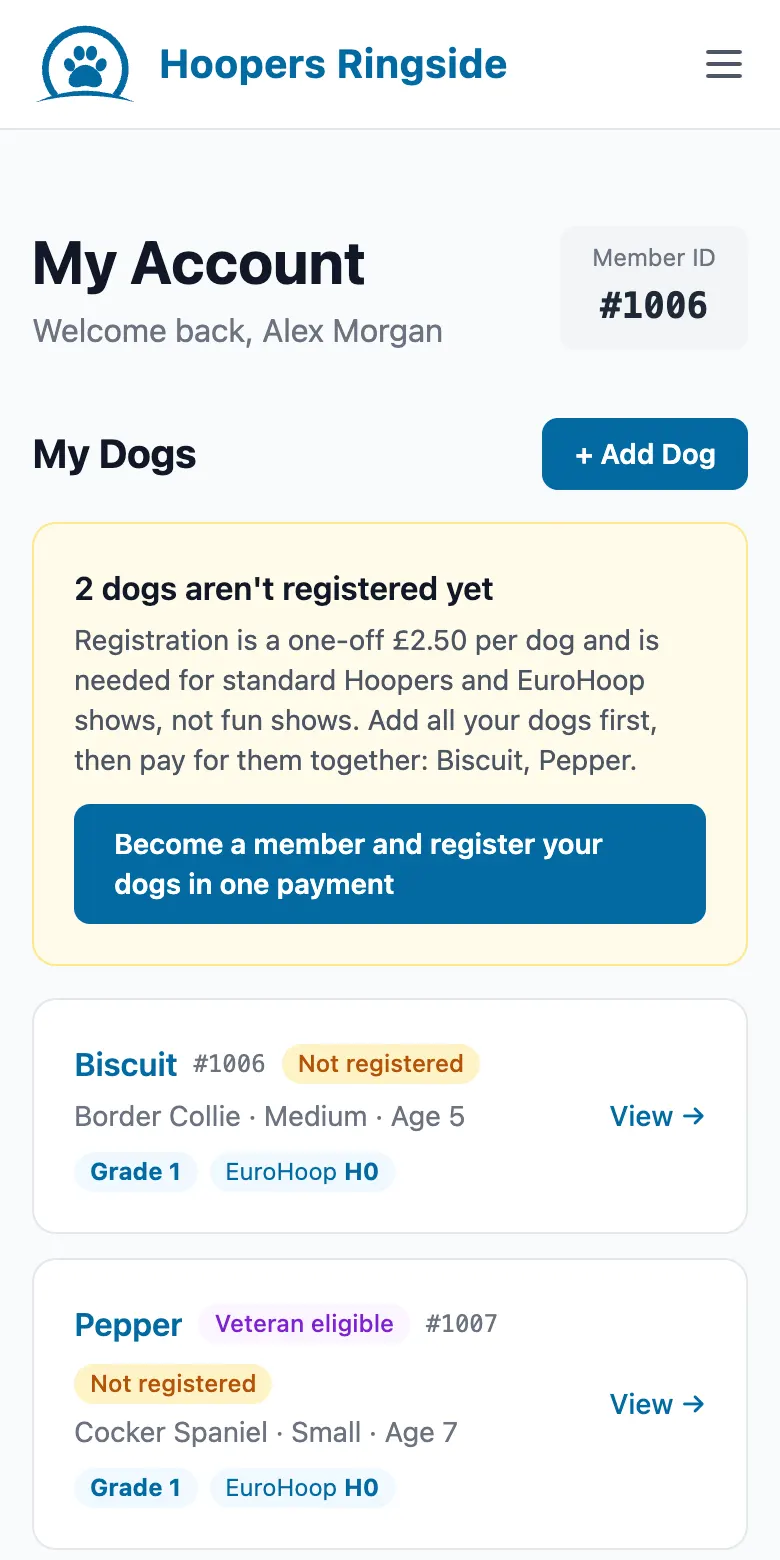
Become a member and register your dogs
Membership and dog registration are one-off fees, needed for standard Hoopers and EuroHoop shows. Fun shows don't need either.
- 1
Choose what to pay for
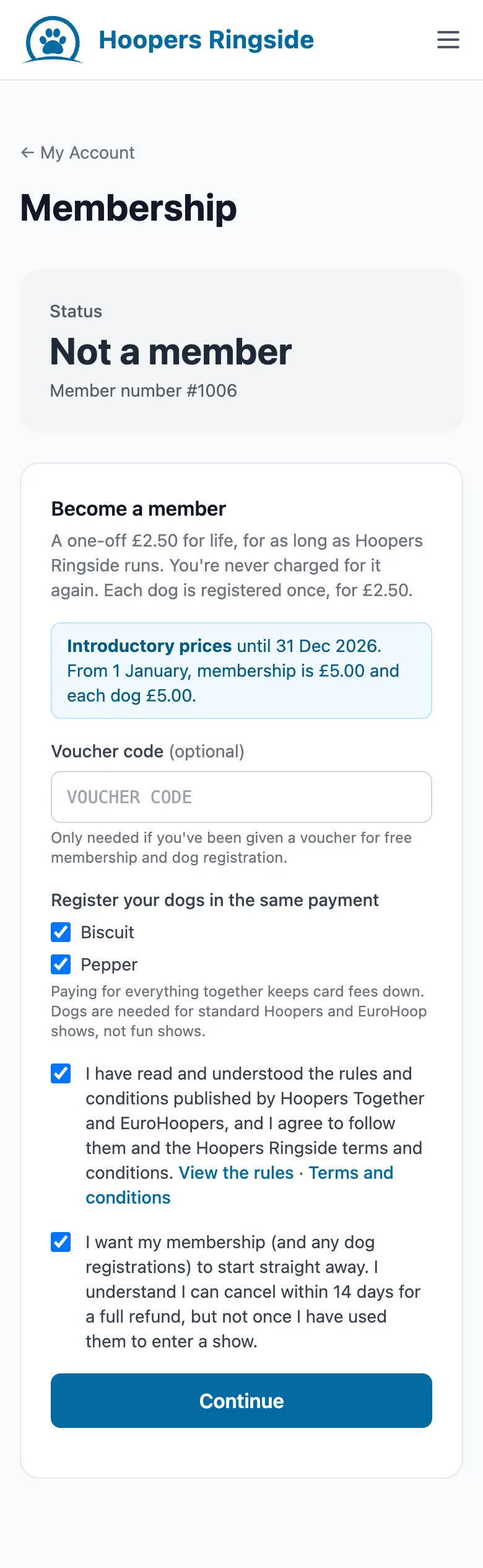
Press Become a member and register your dogs in one payment. Tick the dogs to register, tick the rules box and the box to start straight away, then press Continue. Today's prices are shown on the page.
If you've been given a voucher, enter it in the voucher box. A voucher covers your membership and all your dog registrations, so there's nothing to pay.
- 2
Pay by card
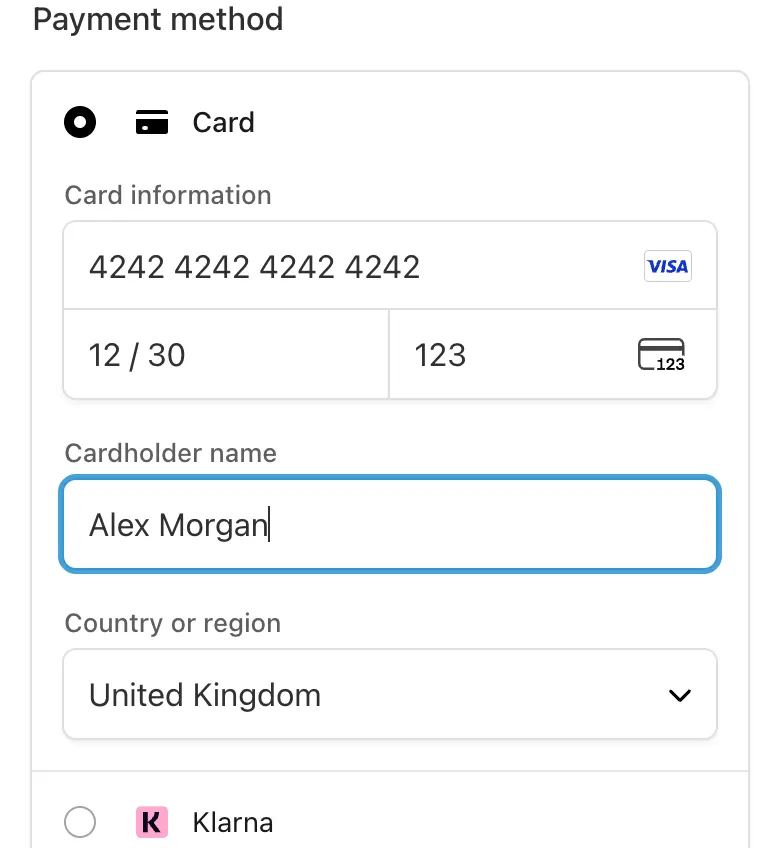
You're taken to Stripe's secure payment page. Enter your card details and press Pay. Apple Pay, Google Pay and other options may also be shown.
- 3
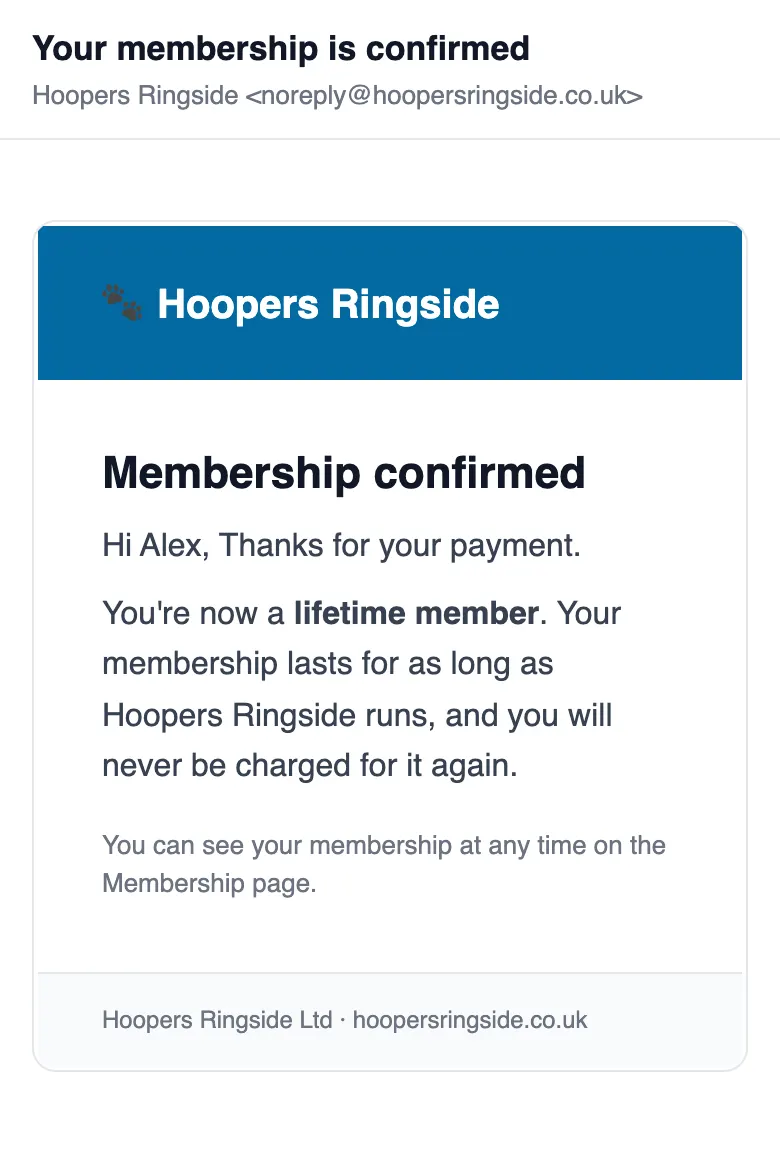
You're a member
We email you to confirm your membership.
- 4
Your dogs are registered
Back on My Account, your dogs have their registration numbers and are ready to enter shows.
Enter a show
- 1
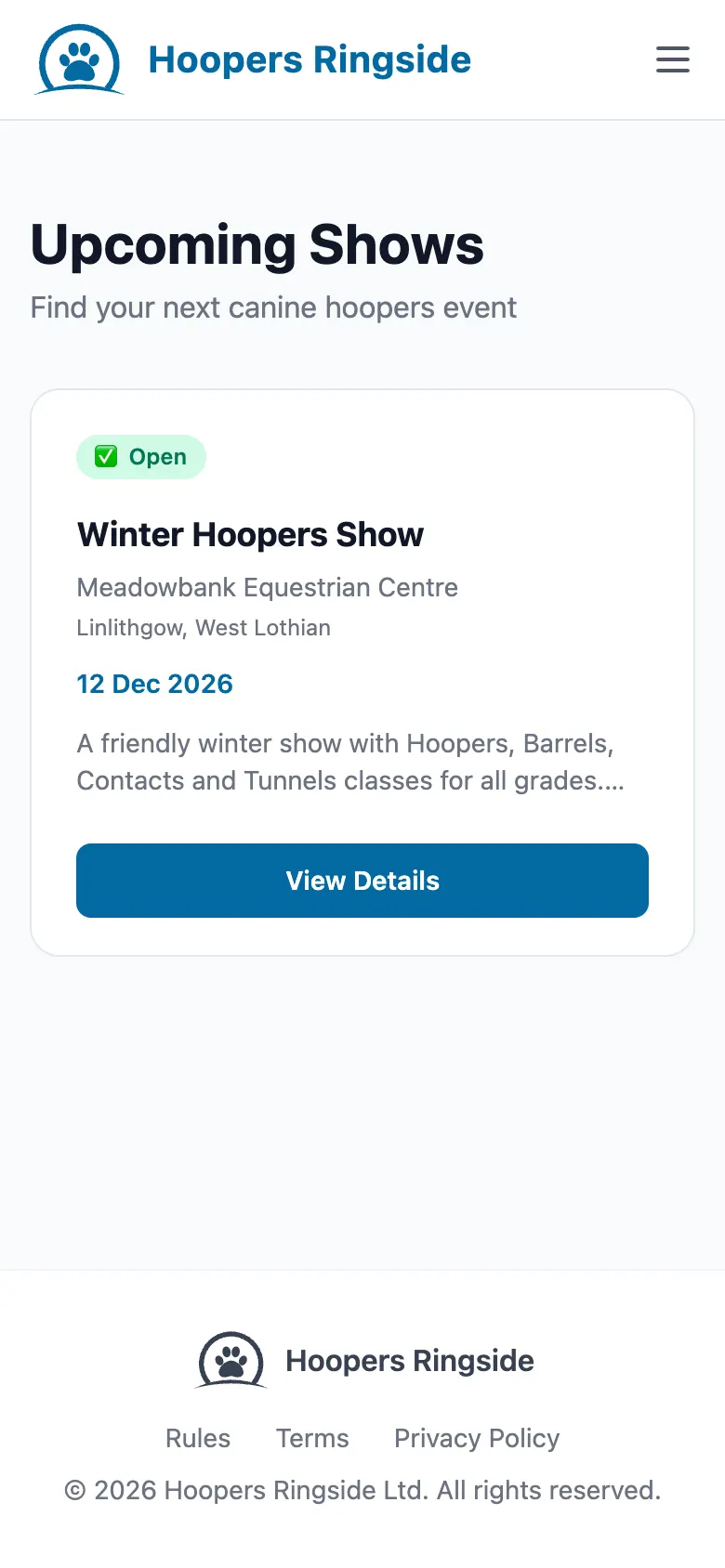
Find a show
Press Find a Show or Upcoming Shows and choose a show.
- 2
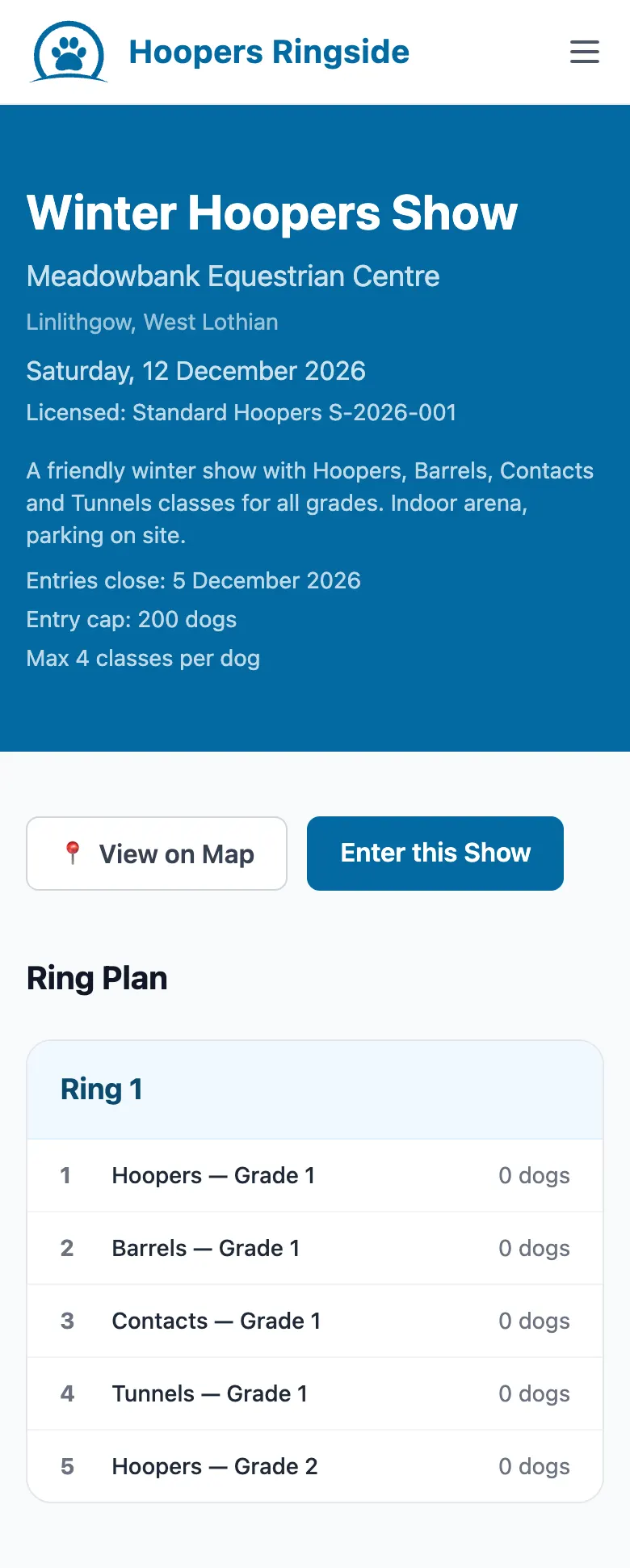
Read the show details
The show page has the venue, date, classes, entry fee and closing date. Press Enter this Show to start.
- 3
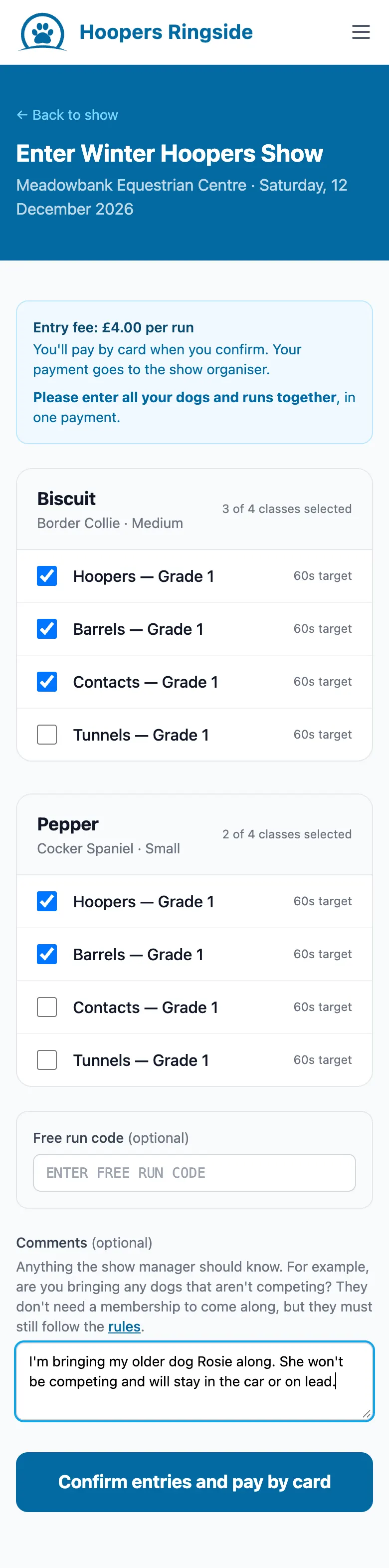
Choose your classes
Tick the classes for each dog. Only classes at your dog's grade are shown, plus any cup qualifiers, which are open to every grade. A dog can have up to 4 standard class runs a day, counting any other show it's entered at that day; cup qualifiers and Nursery don't count towards the 4. Enter all your dogs and runs together so you pay once.
Have a free run code from the organiser? Type it in the free run code box.
Use Comments for anything the show manager should know. For example, if you're bringing dogs that aren't competing: they don't need a membership, but they must still follow the rules.
Press Confirm entries and pay by card and pay on the Stripe page, as before.
- 4
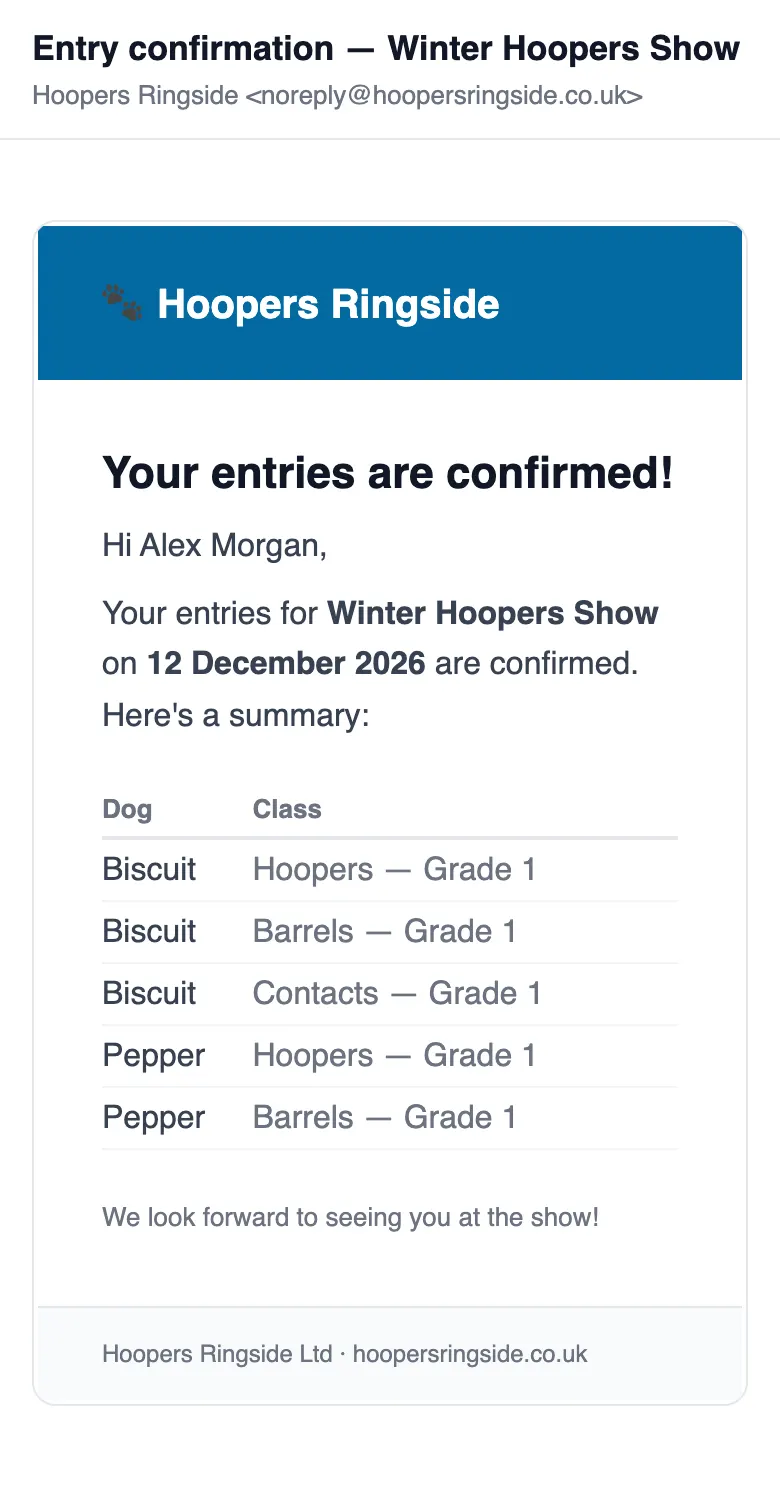
Entry confirmation
We email you a summary of your entries.
- 5
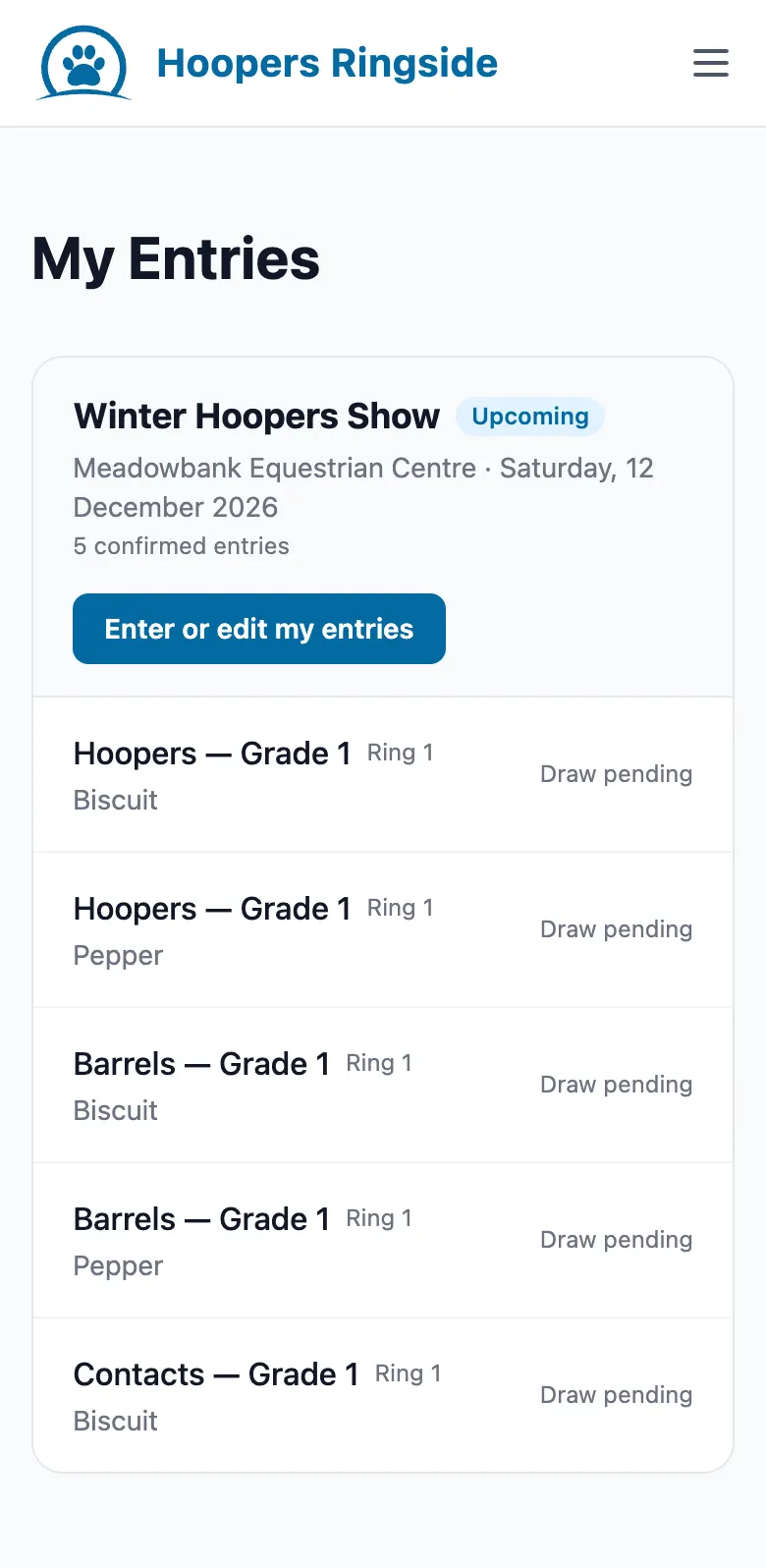
Check or change your entries
My Entries lists every class you're in. Until entries close you can change them with Enter or edit my entries: swapping a class is free, and removing one refunds it less the card fee. After entries close you can still withdraw, but without a refund.
On the day and afterwards
- 1
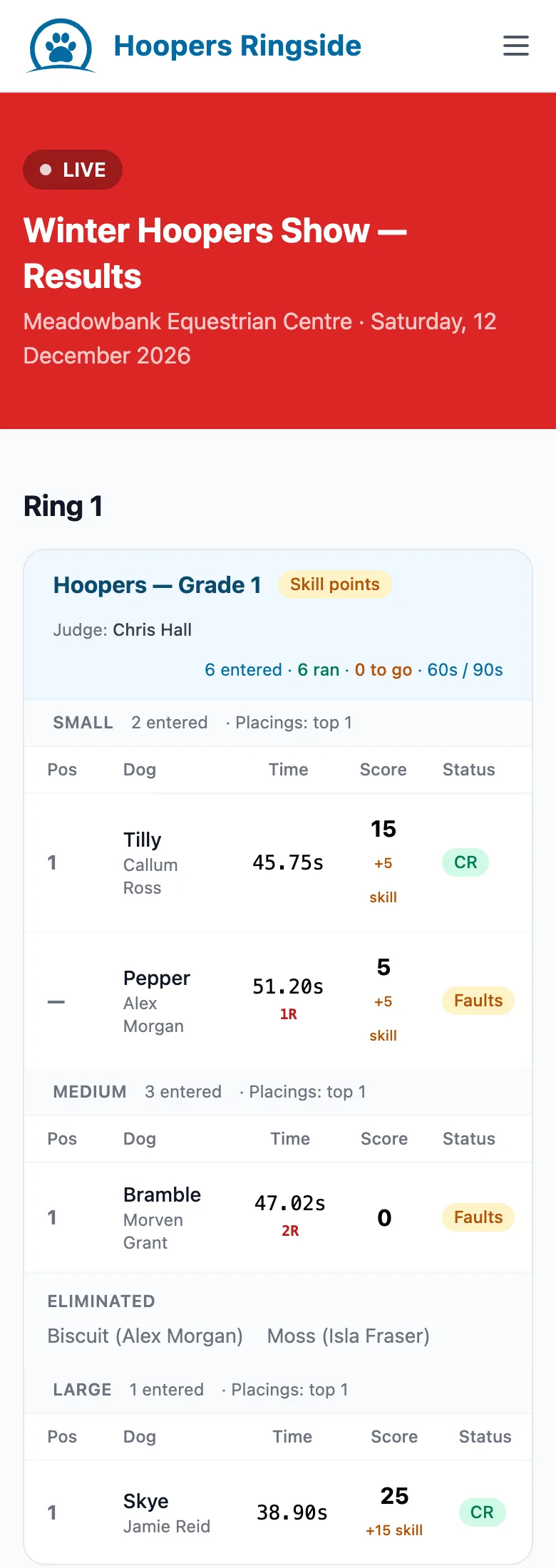
Follow live results
When the show goes live, its page shows Live Results and any messages from each ring, such as which class is walking next. Check in at the ring when you arrive.
- 2
Progression
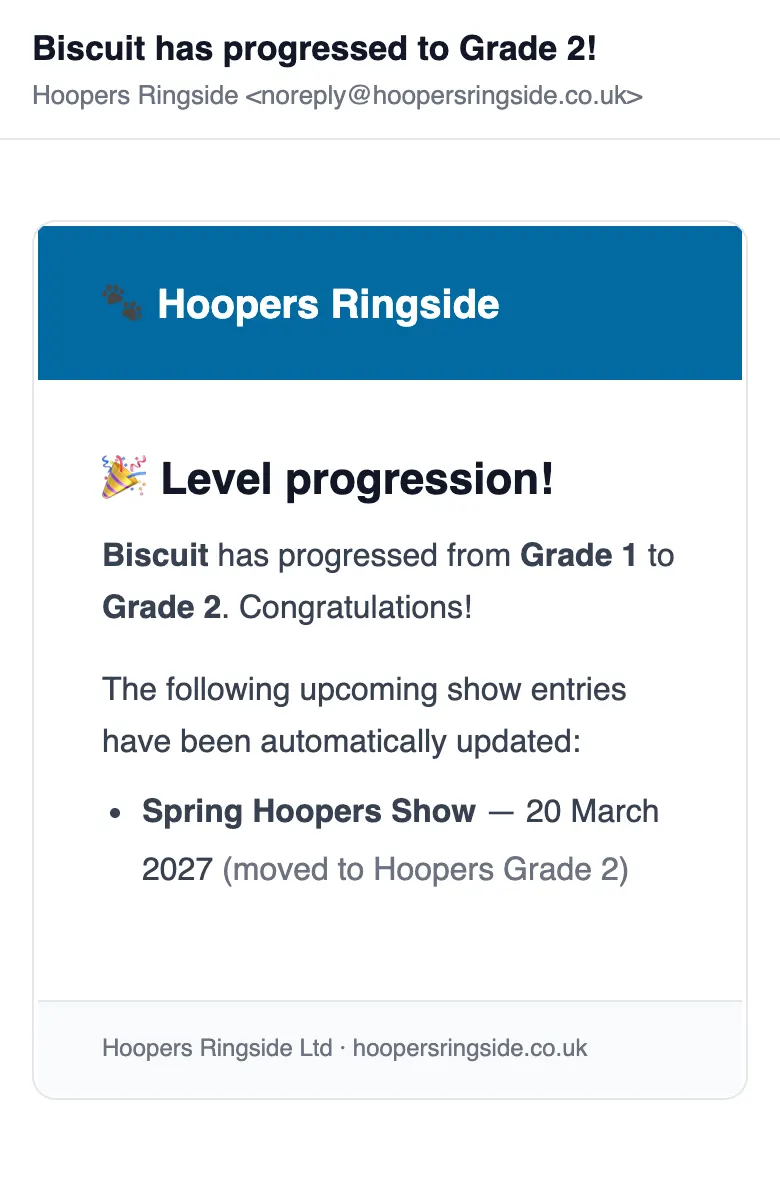
When your dog earns enough points to move up a grade, we email you. Any entries you already have for later shows are moved to the new grade for you.